
Un-Banished 0.4.0 · 21 October 2026
Harvest
Un-Banished 0.4.0 adds rule hooks, which let a mod change how a town plays. It also adds a multiplayer server that can keep and run your town, a Pure Banished mode that plays only the original game, and a browser version that keeps your game files.
Rule hooks
Banished mods can add buildings, crops and other data, but they cannot change how the town behaves. In 0.4.0 a mod can include a rule hook: a small WebAssembly program that the game runs after every update of the town. A rule hook can read the date, the number of citizens and the stock, use the game's random numbers, and add lines to the event log.
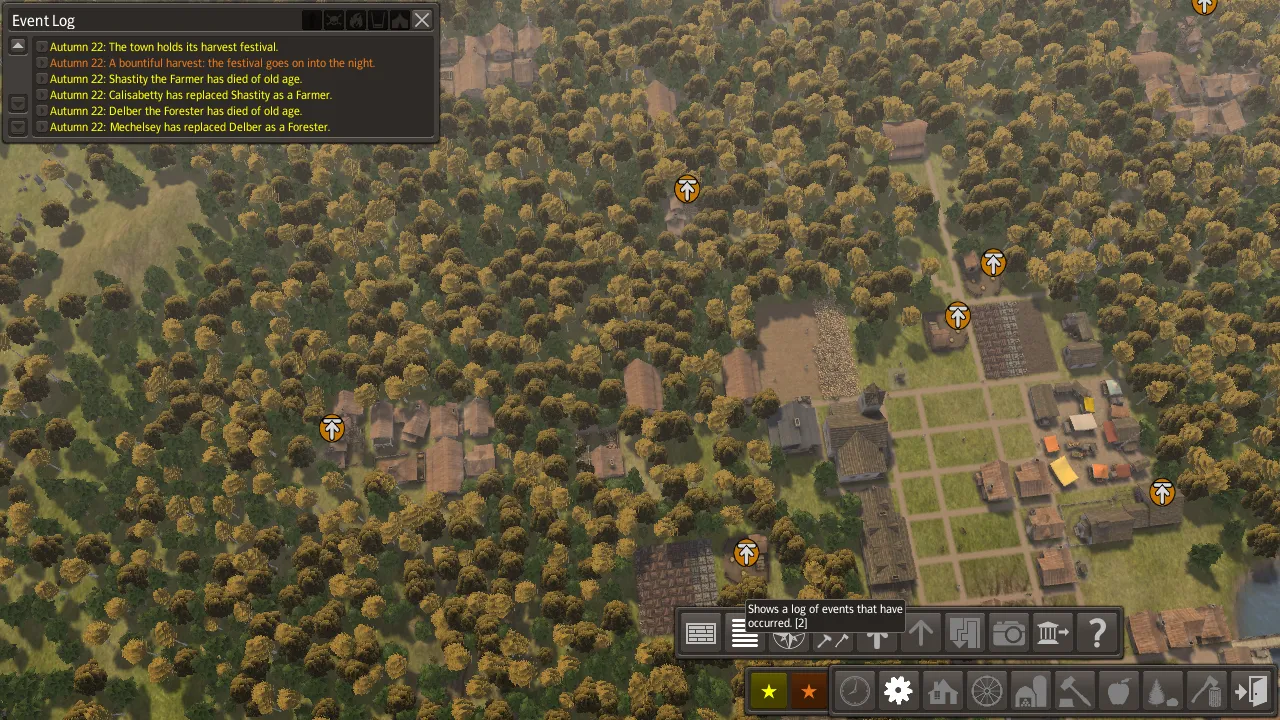
To use a rule hook, put its .wasm file in the Hooks folder next to your Save folder. Every town you start or load then uses it, and saves list it with the other mods.
A rule hook must give the same result on every computer, or multiplayer games and replays would go out of step. So the game only accepts hooks that use whole numbers, call no functions except the game's own, and take every random number from the town's own random numbers. A hook that runs for too long is stopped and switched off.
In multiplayer, every player needs the same hooks. A player whose Hooks folder is different cannot join the room, and is told why.
Writing a rule hook shows how to build the harvest festival example in Rust.
Pure Banished
Everything Un-Banished adds to the original game is now a separate extension: multiplayer, the mod sites, the probe, recordings, the film camera and rule hooks. The town itself is now in its own part of the code, with no drawing, sound or windows.
Start the game with --pure (in the browser, add ?pure to the address) to turn off every extension for that game. You get Banished 1.0.7 and its own mods only: no Multiplayer button, no Browse tabs, and no rule hooks.
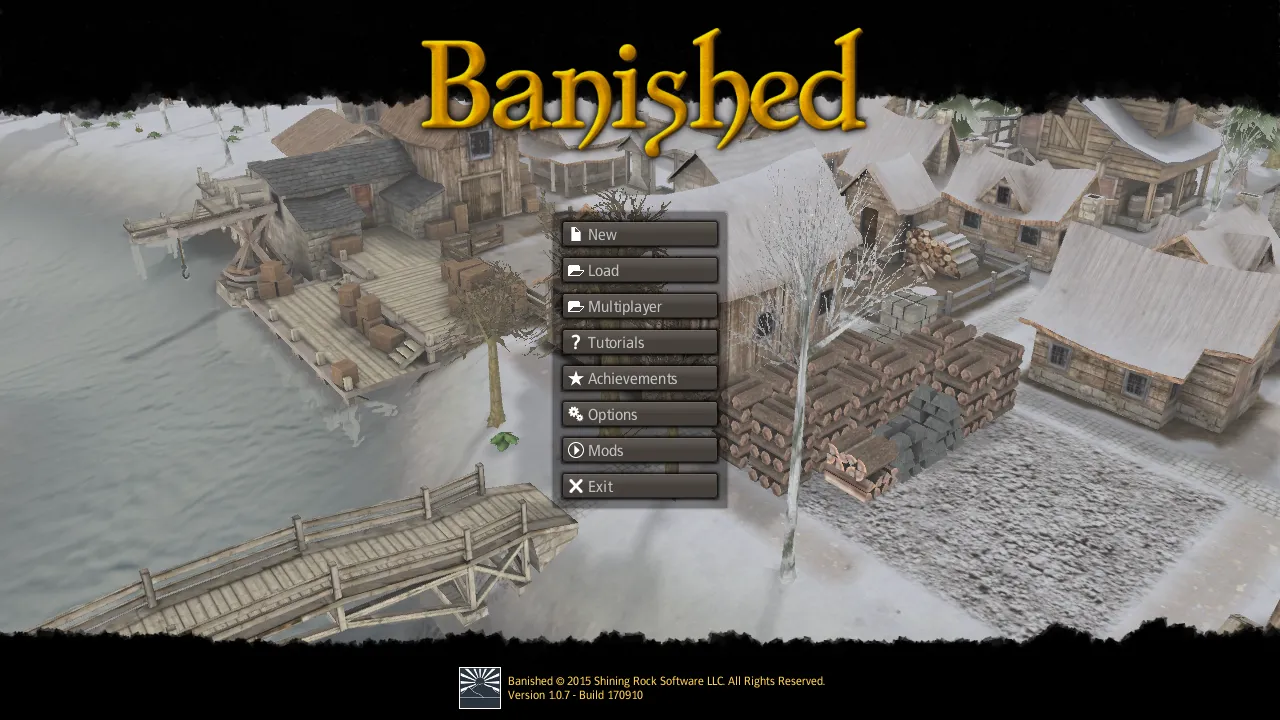
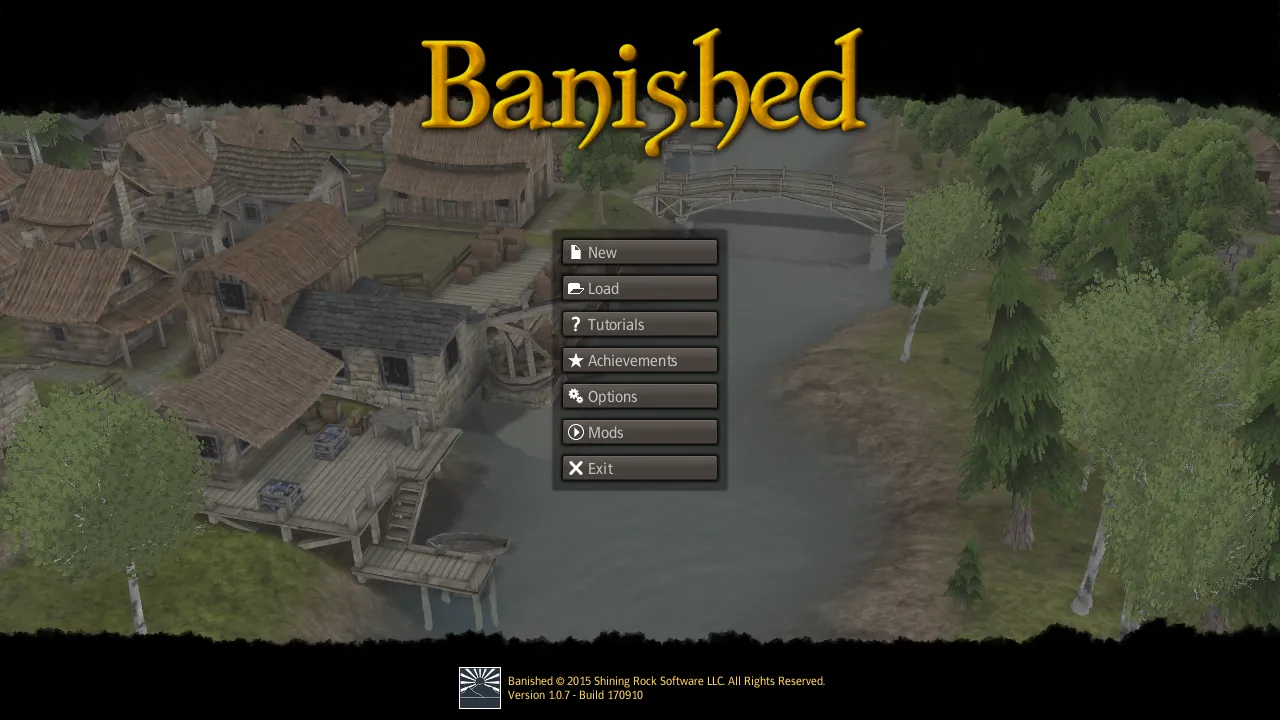
A test checks that the game builds with no extensions, and that this build plays every test town to exactly the same result as the full build.
The multiplayer server
In 0.3.0 the relay only passed messages between players. When the host closed the game, the town was lost.
The relay is now a server, unbanished-server. With it:
- players can join a game that has already started, and a player who left can join again;
- the server checks that every player has the same town, and if one is different, the town that most players have is kept;
- if its settings name a folder, the server keeps each room's town, so the host can open the room again later and continue;
- if you give it a copy of the game data, the server runs each room's town itself, and its town is the one that is kept.
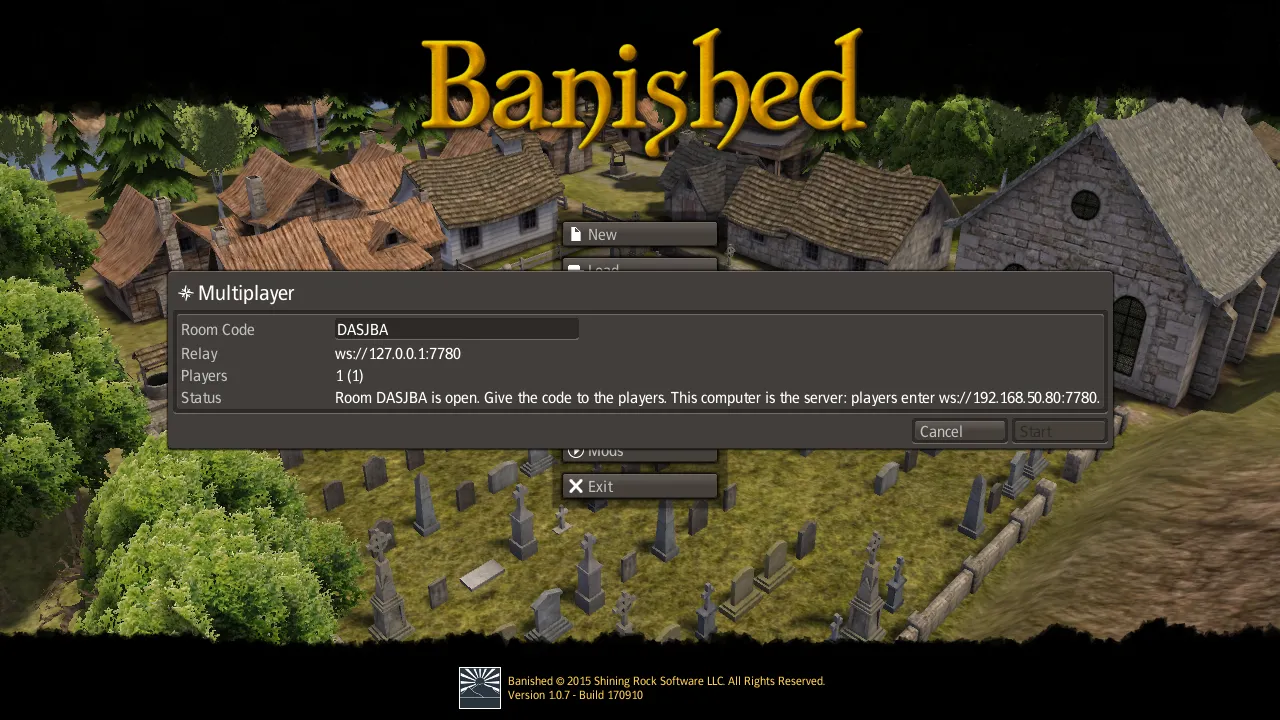
You do not need a separate computer. Host from the desktop game with the default address. The game starts a server itself and shows the address the other players enter. For a server that runs all the time, there is a settings file, a health check and a Dockerfile. The Multiplayer guide and the server's page have the details.
The browser version keeps your game files
The browser version used to ask for the four game files each time. It now keeps them in the browser, on your computer only, so you choose them once. The start page then shows Start the game and a manager for what it keeps.
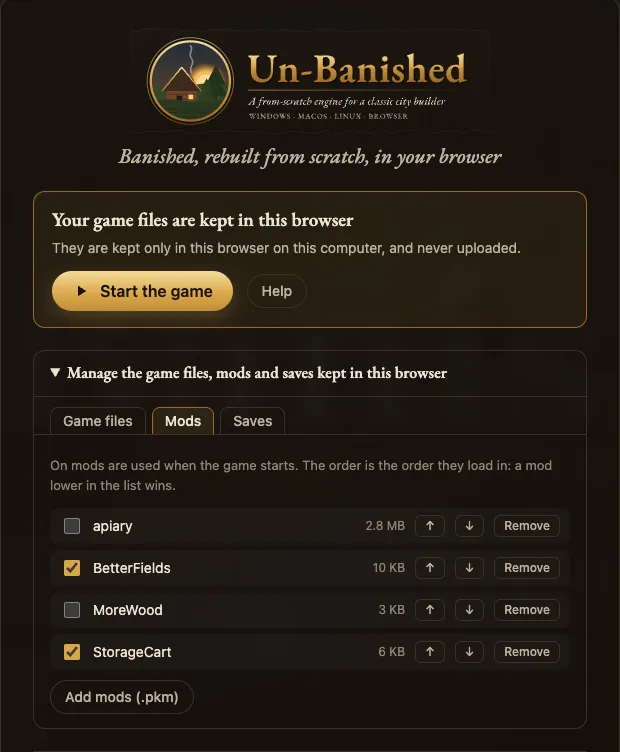
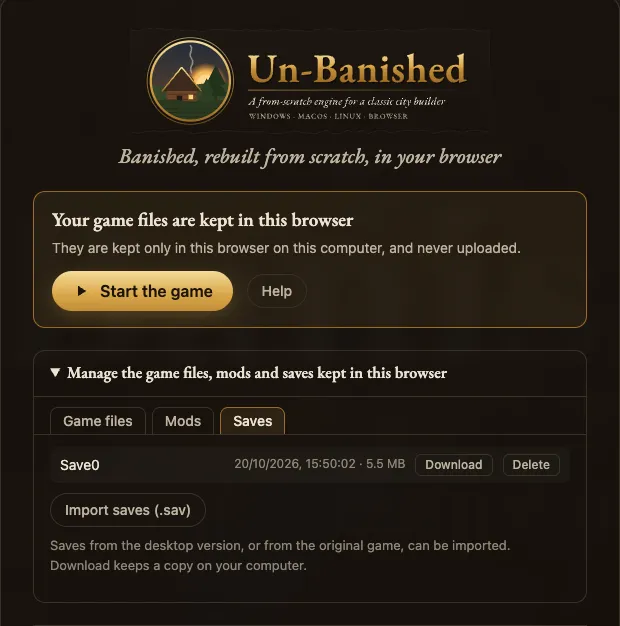
The manager has three tabs. Game files shows the kept files and can remove them. Mods turns mods on and off and sets their order. Saves downloads and deletes saves, and imports .sav files from the desktop version or the original game. To keep nothing, clear the checkbox under Choose files.
What is next
Rule hooks can only read the town and add to the event log. Next, I want to let them change the town, at fixed points in each update, and to load them in the browser version.
Also in 0.4.0
- Faster loading: a large town (a 15 MB save) loads in 536 ms instead of 827 ms.
- Achievements in multiplayer start from none for every player, so towns no longer reload because players have different achievements. Achievements you win are still saved.
- Exit in the browser closes the installed app, or goes back to the start page in a tab.
- Scroll bars fill the side of their list, as in the original.
- The Resolution option in the browser shows the size the game draws at.
- WebGL 2 is used when a browser offers WebGPU but cannot draw with it.
- Imported saves in the browser are stored before the page reloads.
- The probe reads and controls a running game from the browser's console. The test suites use it.
- How Un-Banished is built explains the core, the extensions and the server, for people who work on the code.
All changes: Changelog, version 0.4.0 · Earlier: Sixty a second · Next: In Step