
Behind the scenes · 20 October 2026
Sixty a second
Goldfoothill is in its 83rd year. It has 565 people, 164 wooden houses and 23 iron mines, and when I set it running at ten times speed in Chrome, it managed 28 frames a second. A new town of twenty settlers runs smoothly in almost anything - big towns at high speed are where a city builder is really tested. So I wanted to know whether Un-Banished draws 60 frames a second.
The short answer
At normal speed, yes - every town we tested holds 60 frames a second in the browser. Turn the speed up to 5× or 10× - small towns keep up, but big ones start to fall behind.
To get there we picked four towns that cover the range of how people actually play. Testwood is a brand new game (seed 1234) with 19 settlers. Fort Ponchartrain is a young town of 116 people. Goldfoothill is a player's town in its 83rd year with 565 people. Driscola is a city of 1,024 people, 650 buildings and around 28,000 objects that a player built in the original game back in 2015.
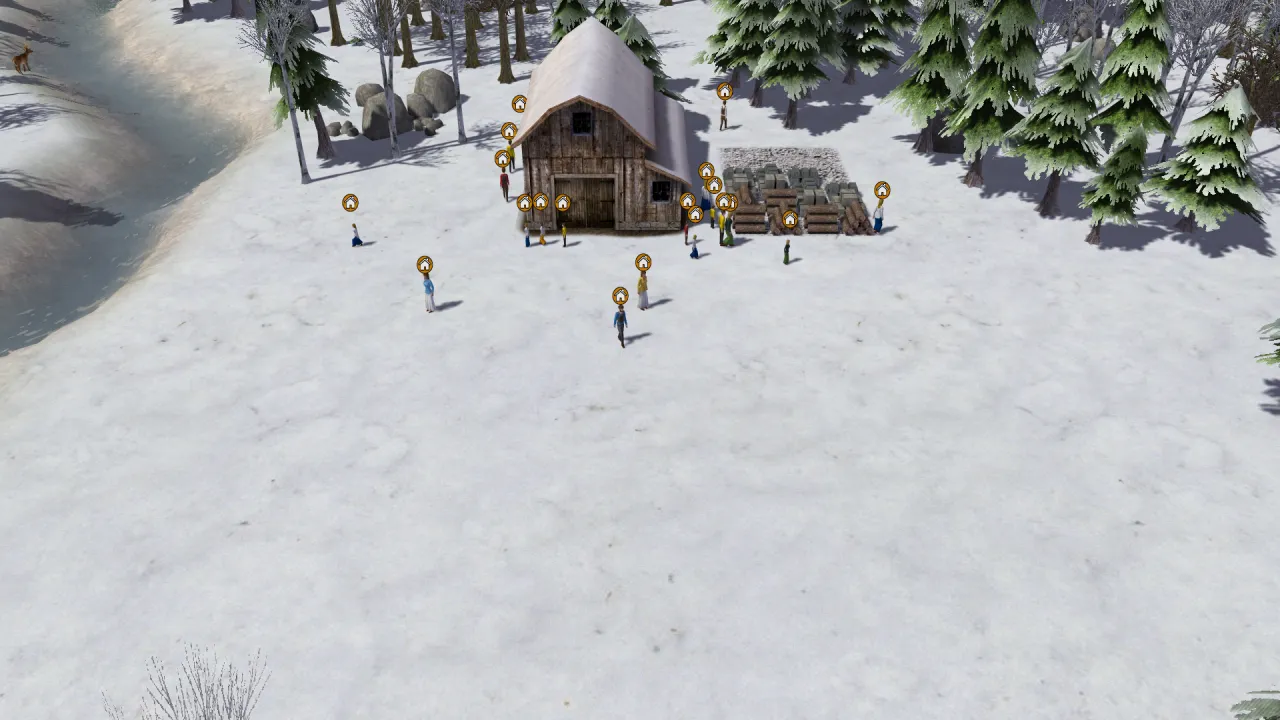
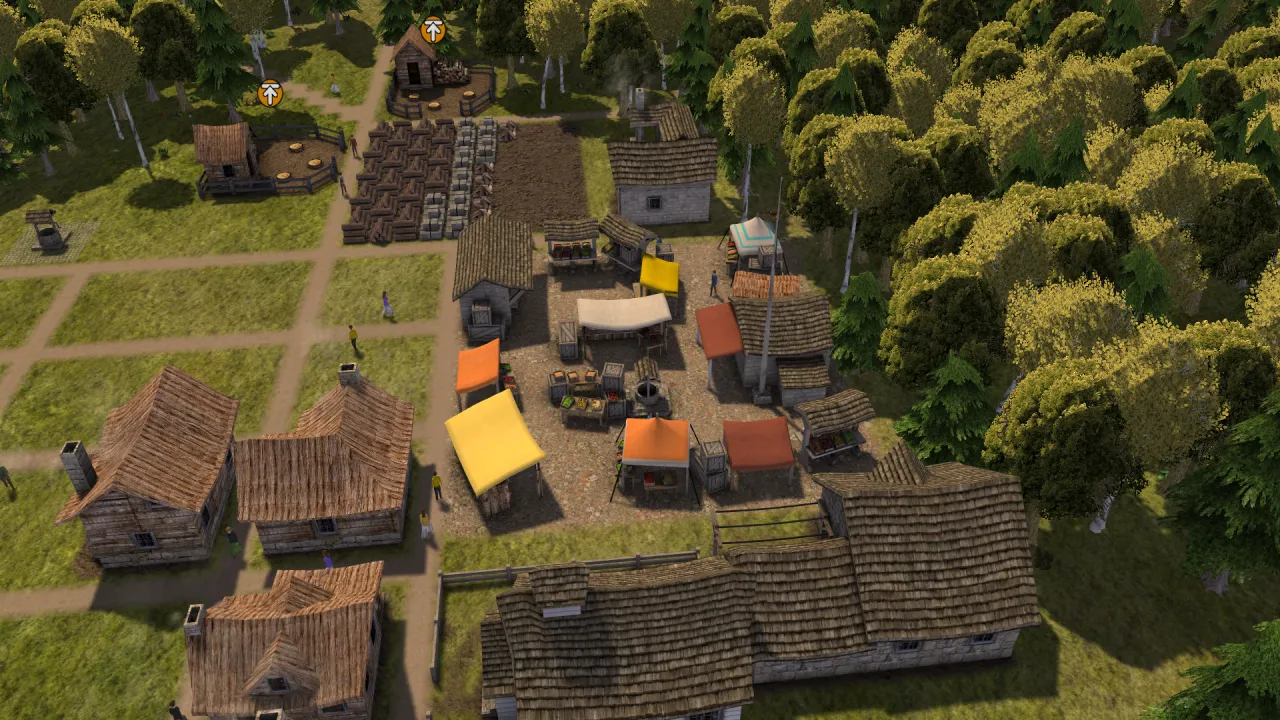
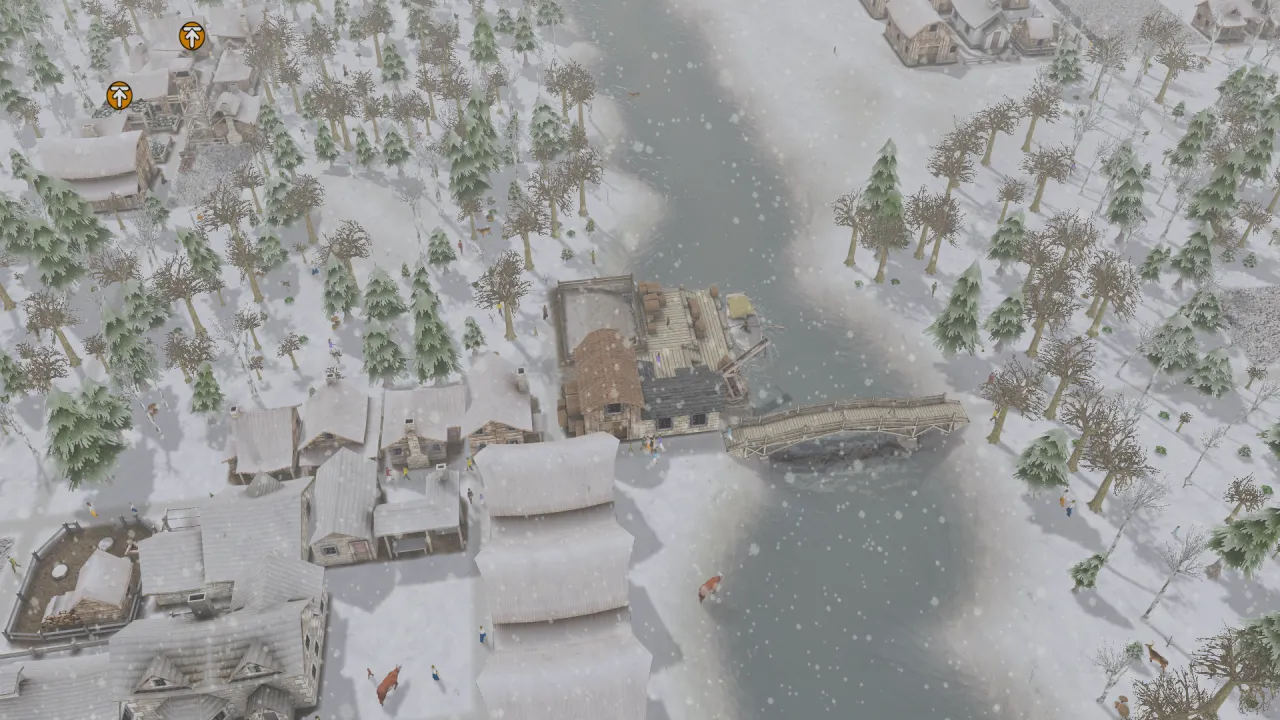
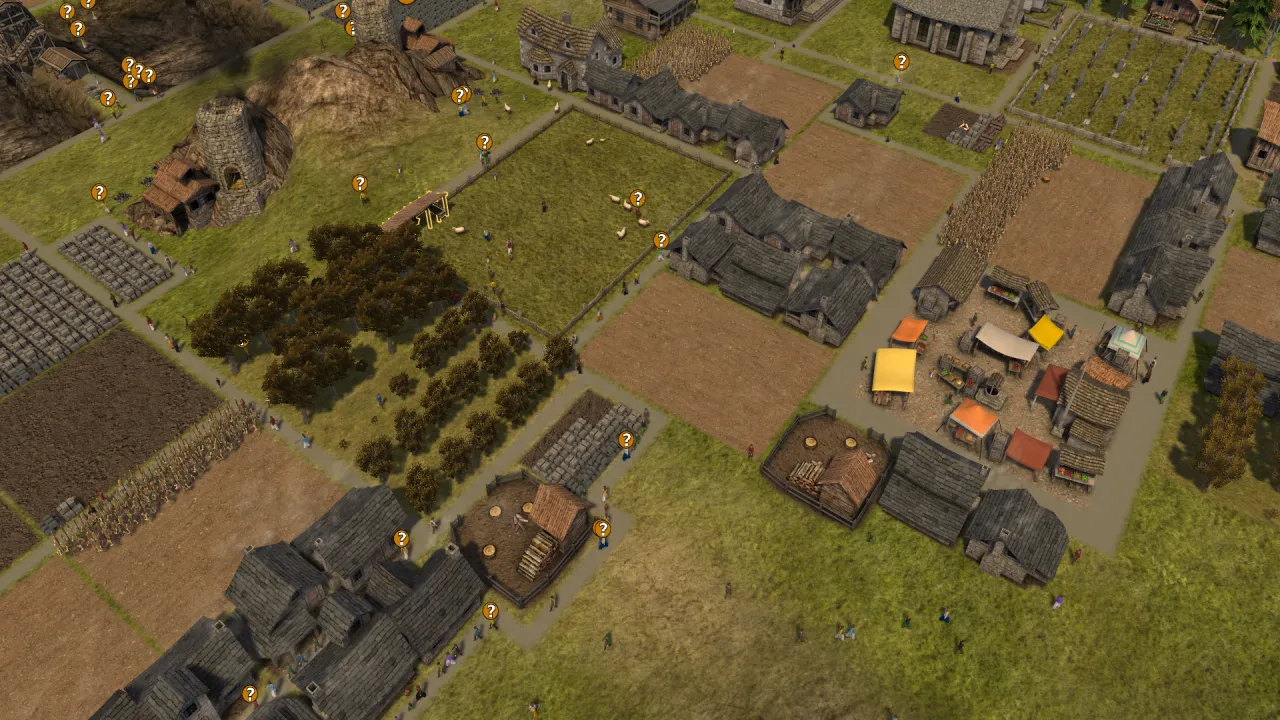
Firefox draws with WebGL 2 rather than WebGPU, and it pays for it at speed. In Goldfoothill it still manages 58 frames a second at normal speed, but falls to 28 at 5× and 23 at 10×.
The desktop version is quicker across the board. Each tile shows two numbers - the large one is the worst case, where processor and graphics card wait on each other, while the smaller one is closer to what you get in a real window, where the two work side by side.
Seven of the twelve browser tests reach 60, and ten of the twelve desktop tests do in a window. What is left over is the large towns at high speed.
How we measure
There are really two questions here - what does the player see, and where does the time go - and they need different tools.
For the first, a test script starts Chrome or Firefox, opens the game, hands it the game files and a save, and then plays it the way a person would, by pressing buttons. It does this through the probe, a small command language built into the game that can find buttons on screen and read the state of the town. Once the town is running, the page counts every frame it actually shows for 20 seconds. That gives the frame rate a player would see, along with how many of those frames were slow.
For the second, the game has its own frame profiler. When it is switched on it times every part of every frame - the simulation, the citizens, the models, the sound, the particles, the processor's work preparing each picture, plus the graphics card's time drawing it - and writes a summary every 600 frames. We run it without a window, with an identical save and script every time, so one run can be laid next to another. When we need to know which functions are taking the time, a sampling profiler called samply fills in the detail.
Un-Banished has to play exactly like Banished, so a faster version must not change a single save, a single frame or a single random number. Before any speed-up goes in, a tool builds old and new versions side by side, plays the same towns in both, then compares every save and every picture byte for byte. If anything differs, the change does not go in - compatibility between versions explains how that works.
Where the time goes
Driscola is the hardest of the four, so I profiled it at normal speed and at 10×. At 60 frames a second there are 16.7 ms for one step of the game and one picture. This is how that time was spent on the desktop:
| Part of a step | Normal speed | 10× speed |
|---|---|---|
| The simulation | 1.8 ms | 15.9 ms |
| of which the citizens | 1.2 ms | 11.7 ms |
| Refreshing what you see: models, sound, smoke and dust | 5.7 ms | 5.5 ms |
| Preparing the picture (processor) | 4.3 ms | 4.1 ms |
| Drawing the picture (graphics card) | 9.9 ms | 15.3 ms |
At 10× speed the simulation on its own fills a whole frame. The game runs ten steps of the town for every picture. Most of that time goes on the citizens deciding what to do next and finding their way there.
The surprise was at normal speed. Refreshing what you see costs about three times as much as the simulation - every step, the game rebuilds its list of models to draw, updates the sounds around the camera and moves the smoke and dust along, whatever the speed, even though very little of it has changed since the step before.
The browser feels all of this the most. There, the game runs in WebAssembly on a single processor core, which is slower than native code, while on the desktop the loading already spreads across every core the machine has.
Where it can go faster
The profiles point at a handful of places where there is still time to win back. Each of them has to pass the same test as everything before - identical saves, identical pictures.
The biggest is the picture of the town. The list of models to draw is built from scratch every step, grouped by name and sent to the graphics card again, which adds up to about a quarter of the processor's time. Most buildings never move, so most of that work is wasted. We have tried rebuilding only the groups that changed once already, but growing trees nudge almost every group a little on every step, so the comparison cost more than it saved. A cheaper way to know what has actually changed is the next attempt; sounds and smoke can follow the same pattern.
The citizens are next. Every step, each citizen's view of the town's buildings and stock is built again from nothing, although most of it is the same as before. Keeping those views and only updating what changed would save about a tenth of the processor's time. This one needs care, because the order in which citizens think is part of the game. It has to stay exactly as it is.
The simulation itself has to stay in one line, step after step - that is what keeps every computer in a multiplayer game on the same town. The work around it doesn't, though. Refreshing the models and preparing the picture could run on another core while the next step of the town is being worked out.
In the browser, a page can only use more than one core if the server sends two particular headers, which the site's host cannot send. Now that the browser version installs as an app, its service worker can add those headers itself. That would let the browser load in parallel the way the desktop already does.
Then there are the smaller wins. The graphics card already skips everything outside the view, but ground markings and sun shadows are now its largest costs, and could be trimmed the same way. A faster method for the game's internal lookup tables would save around 6 % of the processor's time, and there is some copying of lists from frame to frame that does not need to happen.
We will measure again after each change, using identical towns and scripts, then publish the results here.
Details: Performance, with every measurement · Compatibility between versions · Earlier: Neighbours, 0.3.0 · Next: Harvest, 0.4.0