
banished-modmanager
The Un-Banished mod manager (binary banished-mods): a small desktop program to choose mods before the game starts. It is not part of the original game.
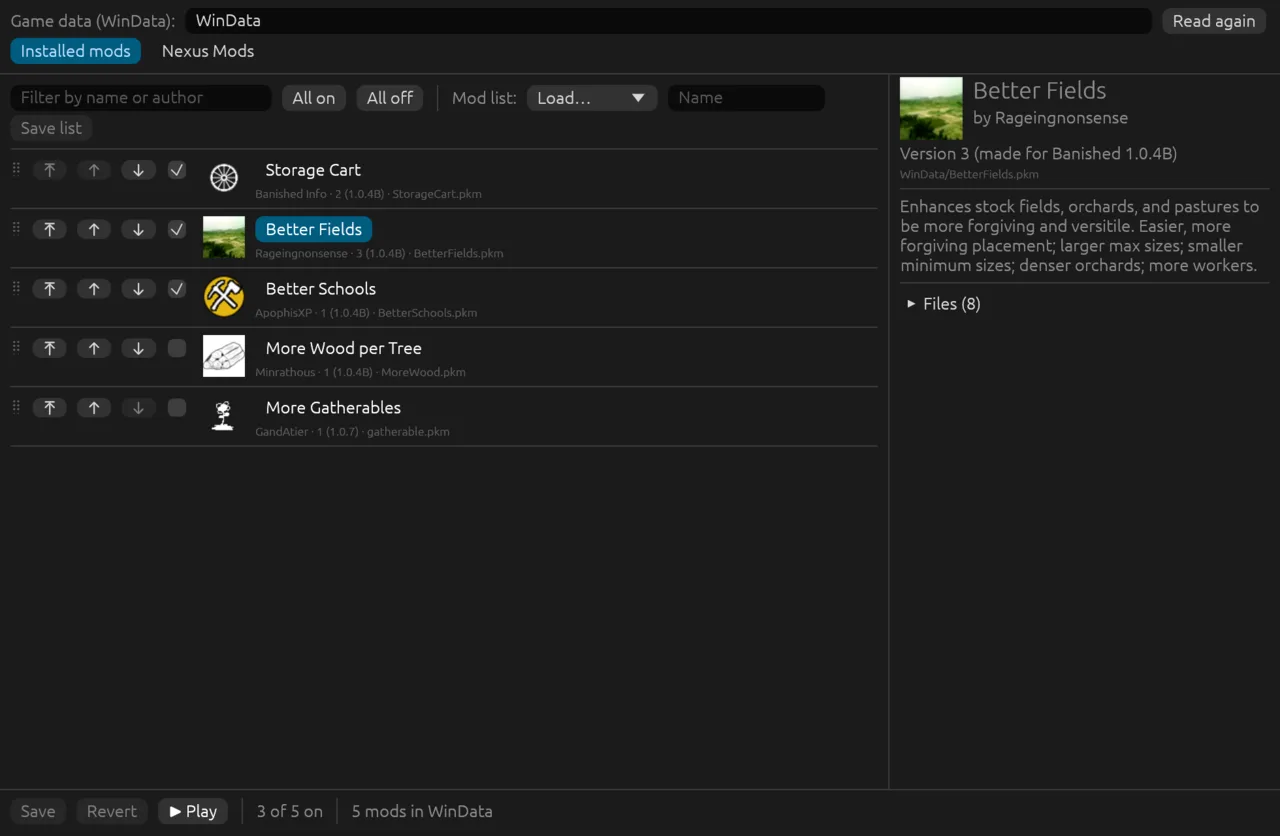
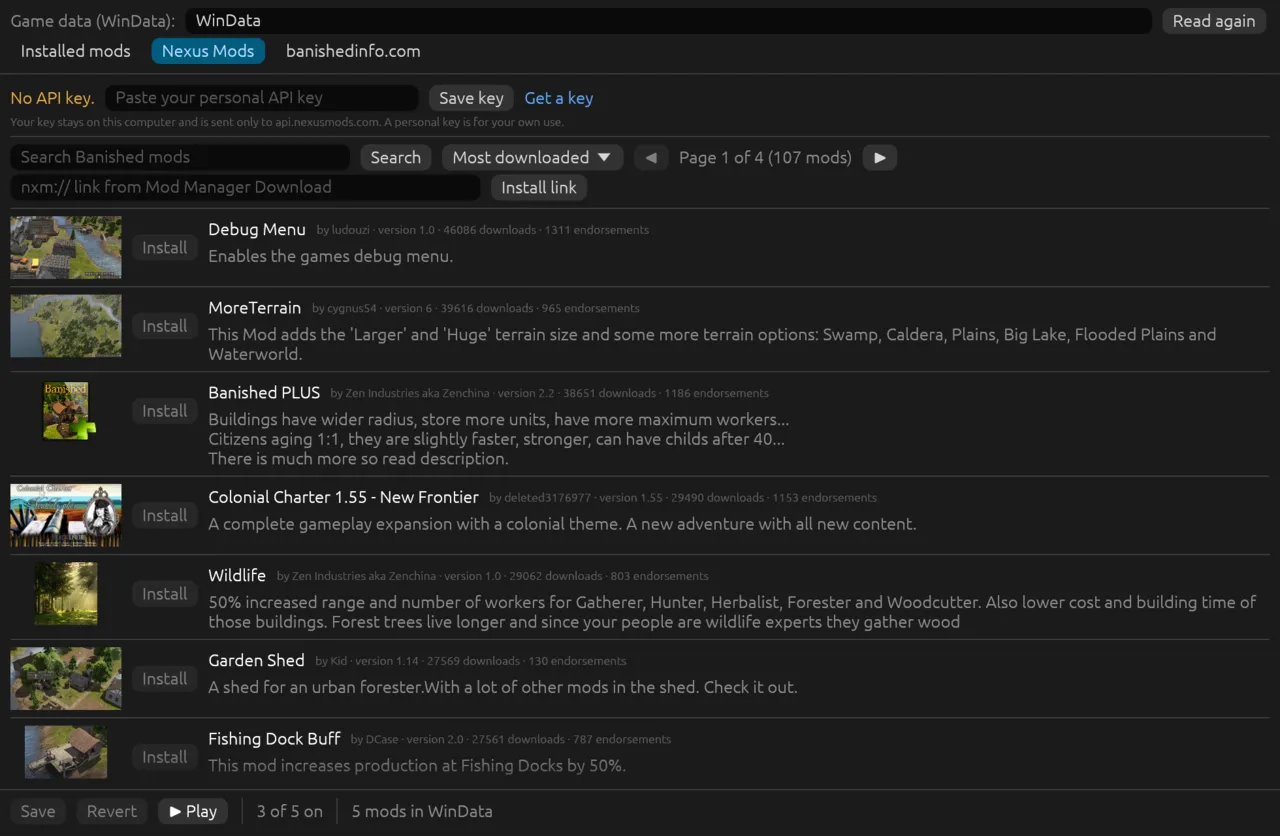
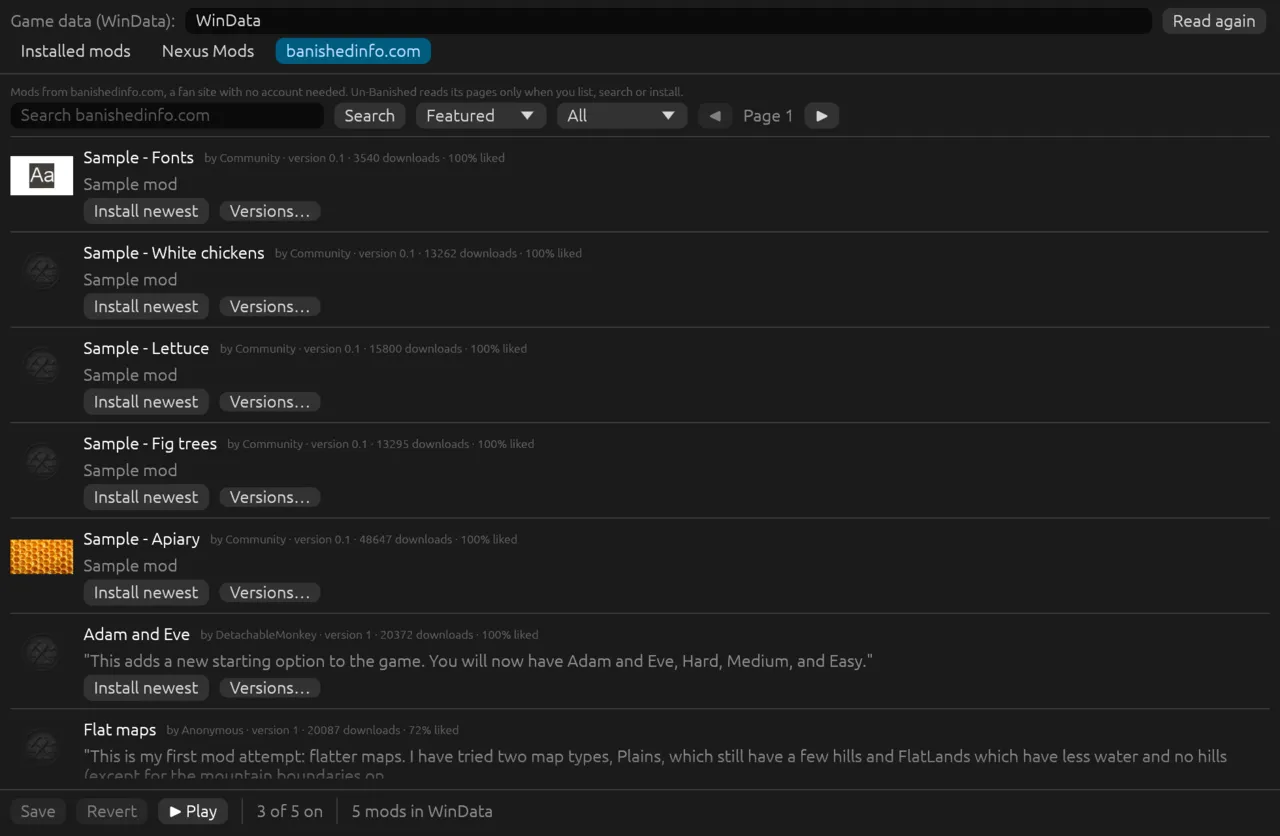
- Turn mods on and off, filter them, and change their order (drag, or ⤒ ↑ ↓). The first mod in the list wins when two mods change the same file; conflicts are marked.
- See a mod's icon, description, conflicts and files.
- Save and load named mod lists (
Documents/Banished/ModLists/NAME.txt: one+fileor-fileline per mod, in order). - Search and install mods from Nexus Mods (the Nexus Mods tab; installs need the player's API key;
banished-nexus). - List, search and install mods from banishedinfo.com (the banishedinfo.com tab; no account;
banished-banishedinfo). Both site tabs show previews (PNG, JPEG or WebP). - Play: save, then start
banished(beside this program, or on thePATH) with the same game data.
cargo run --release -p banished-modmanager -- path/to/WinDataIt reads the .pkm packages and writes the settings file through banished-mods, the same code the game's Mods dialog uses, so both agree on what is enabled and in what order. The settings file is read again before each save, so values the game wrote are kept. Close the game first: the game writes the file when it closes.
The window is made with egui (eframe, OpenGL).
For tests, BANISHED_MODS_SCREENSHOT=out.png saves the window after four seconds and quits; BANISHED_MODS_TAB=nexus (or banishedinfo) opens that site's tab and BANISHED_MODS_SELECT=N selects a mod. BANISHED_SETTINGS and BANISHED_USER_DIR work as for the game.