
banished-viewer
An asset browser for the game data of Banished. It shows the game's models (with their animations), textures, sounds and dialogs. It is drawn with the game's own interface system (banished-ui), so it also tests that system. It runs on the desktop and in the browser.
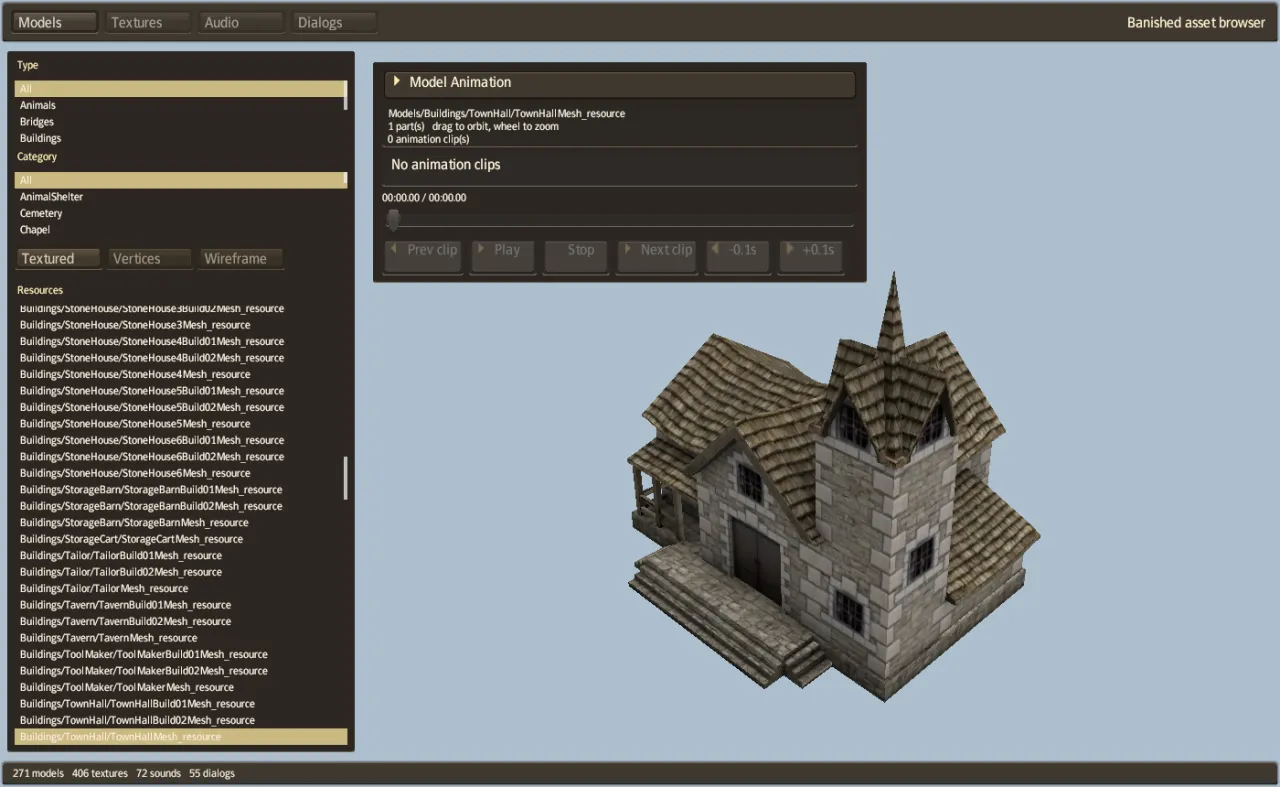
Build and run
cargo run -p banished-viewer --release                       # reads game-data/original/WinData
cargo run -p banished-viewer --release -- /path/to/WinData   # or another WinData folder
In the browser:
tools/dev-web.sh --release # http://127.0.0.1:8731/?data=/game-data/Without ?data=, the page asks you to choose the four .pkg files.
The four modes
The buttons at the top choose the mode. In each mode, the lists on the left filter the resources by type and category, and the Resources list shows the matching entries. The bar at the bottom shows how many of each kind the game data holds (for Banished 1.0.7: 271 models, 406 textures, 72 sounds and 55 dialogs).
| Mode | What it shows |
|---|---|
| Models | A mesh with its materials. Choose Textured, Vertices or Wireframe. If the mesh has animations, the Model Animation panel plays its clips: previous and next clip, play, stop, and steps of 0.1 seconds. |
| Textures | A texture, with its size, format, mip levels and source file name |
| Audio | A sound, with its length, channels, sample rate and source file name. The Audio Player panel plays it, with a position bar, loop and volume. |
| Dialogs | A dialog of the game, drawn as the game draws it. Animated dialogs (such as the loading screen) can be played frame by frame. |
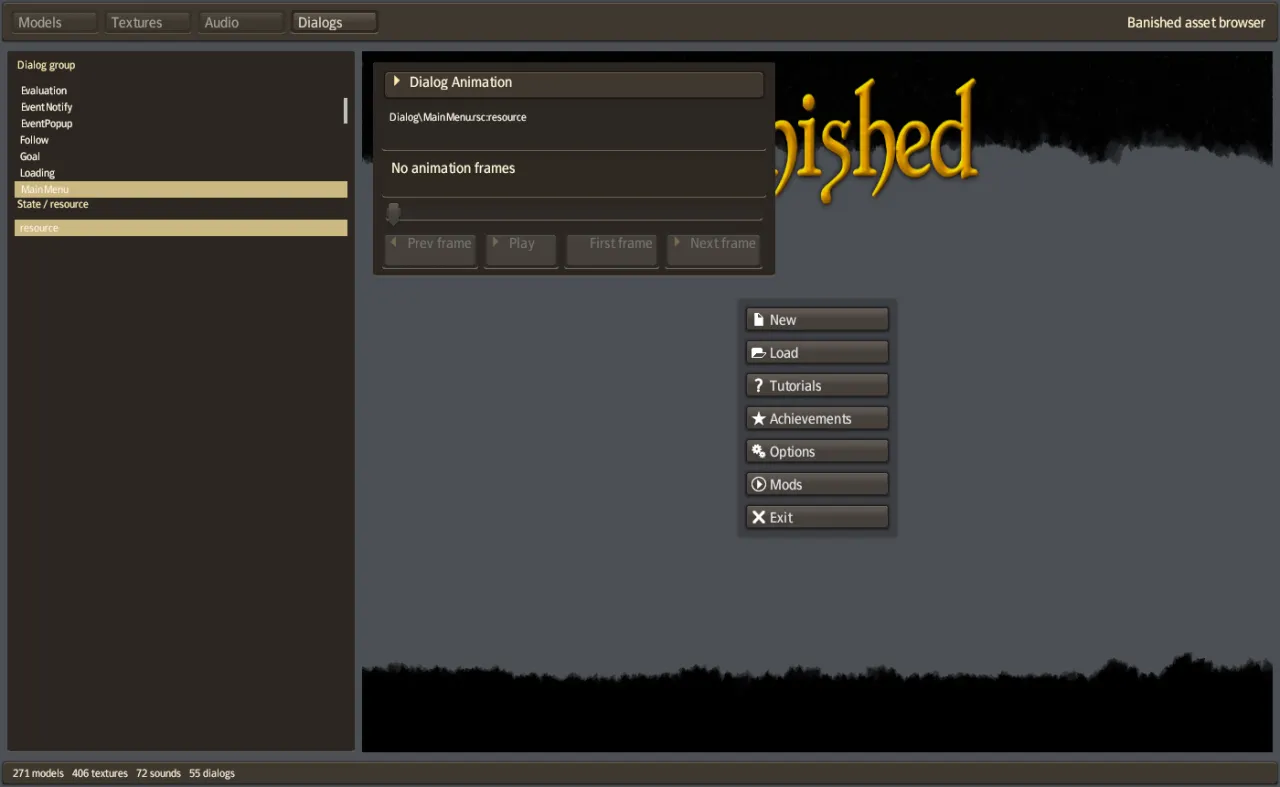
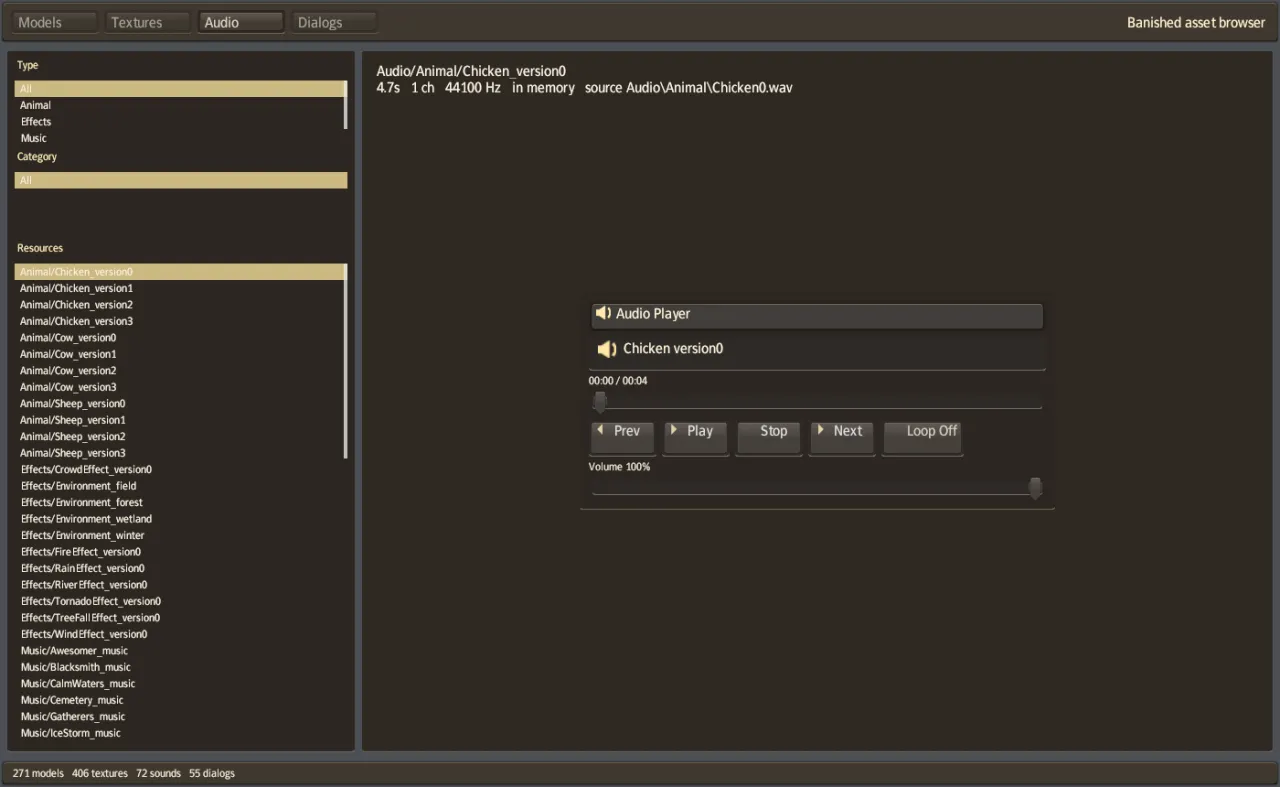
Controls
| Action | Control |
|---|---|
| Choose a mode, a filter or a resource | Click it |
| Next or previous resource | Down / Up |
| 20 resources forward or back | Page Down / Page Up |
| Step an animation by 0.1 seconds (Models) | Right / Left |
| Turn the model | Drag with the left mouse button |
| Zoom | Mouse wheel |
Headless commands
Two commands draw without a window and stop. They read game-data/original/WinData.
| Command | What it does |
|---|---|
banished-viewer --screenshot FILE.png [MODE] [FILTER] | Draw the whole viewer at 1400 × 860. MODE is models, textures, audio or dialogs. FILTER selects the first resource whose name contains it. |
banished-viewer --capture OUT_DIR [FILTER …] | Draw every mesh whose name contains one of the filters, alone, as a 512 × 512 PNG in OUT_DIR |
For --capture, two environment variables pose animated meshes:
| Variable | Effect |
|---|---|
VIEWER_POSE=CLIP@SECONDS | Pose each mesh with the clip CLIP at SECONDS |
VIEWER_ANIMS=TEXT | Look for the clip only in animation groups whose name contains TEXT |
# The screenshots on this page
banished-viewer --screenshot models.png models TownHallMesh
banished-viewer --screenshot dialogs.png dialogs MainMenu_resource

# Every chicken mesh, in the Walk clip at 0.5 seconds
VIEWER_POSE=Walk@0.5 VIEWER_ANIMS=Chicken banished-viewer --capture chickens/ ChickenMesh
A sequence of --capture runs at increasing times gives the frames of an animation. The chicken video on the Playing page was made this way.
Source files
| File | What it contains |
|---|---|
src/main.rs | The window, the event loop, the headless commands, the browser's file chooser |
src/tool.rs | The browser's interface: modes, lists, filters, the camera |
src/assets.rs | Reading the packages and listing the resources by kind |
src/render.rs, src/mesh.wgsl | Drawing meshes (with skinning) and the interface |
src/model_player.rs, src/dialog_player.rs, src/audio_player.rs, src/player.rs | The animation, dialog and audio panels |