
Playing the game
This page shows Un-Banished running, and explains the first steps in a new town. Un-Banished plays like Banished 1.0.7, so guides and advice for the original game also apply. The game's own Tutorials (in the main menu) teach the basics step by step.
Start a new game
In the main menu, choose New. The New dialog has these settings:
| Setting | Choices |
|---|---|
| Town Name | Any name. The button next to it makes a random name. |
| Map Seed | A number. The same seed and the same settings make the same map. The button makes a random seed. |
| Terrain Type | Valleys or Mountains |
| Terrain Size | Small, Medium or Large |
| Climate | Mild, Fair or Harsh. A harsher climate has longer, colder winters and a shorter growing season. |
| Disasters | On or Off: fires, tornadoes, disease and crop blight |
| Starting Conditions | Easy, Medium or Hard. The text under the settings describes what you start with. |
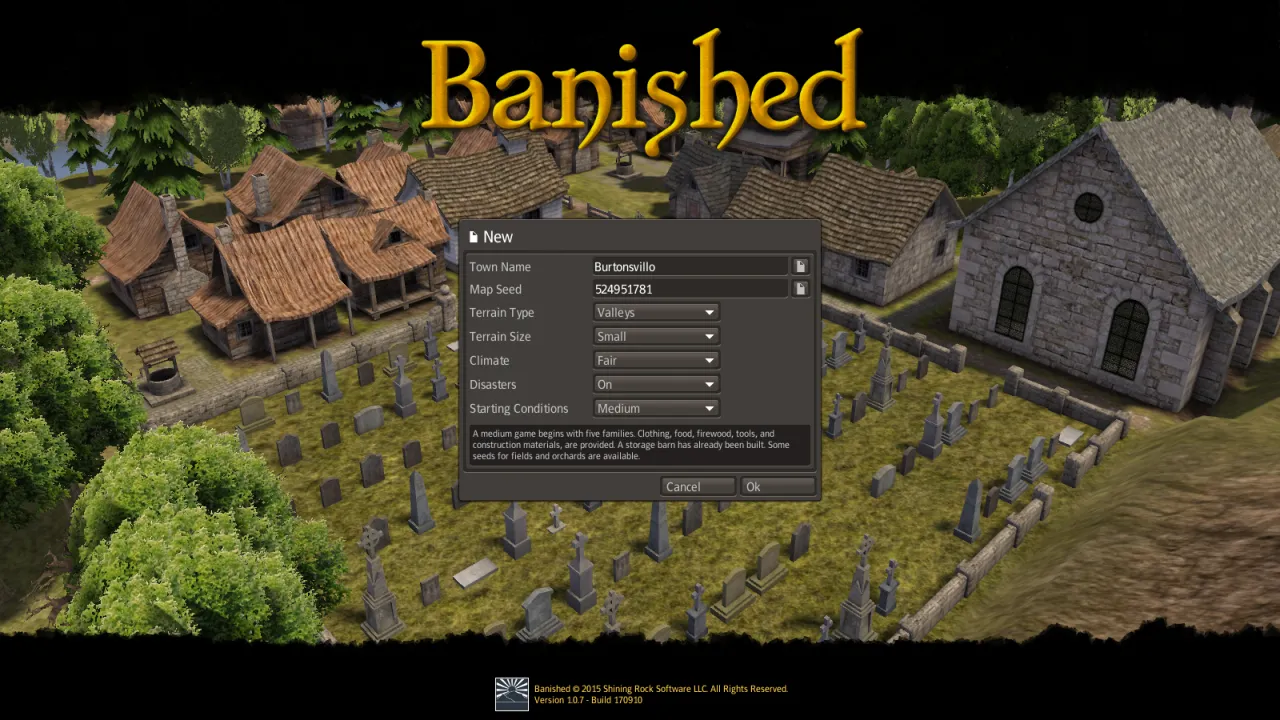
Press Ok. The game makes the map, and your settlers arrive next to their first stockpile and storage.
The first year
Your citizens are not controlled one by one. You choose what to build and which jobs to fill, and the citizens do the work. They need food, firewood, a home, clothing and tools. Winter is the dangerous time: citizens who are cold or hungry become ill and can die.
A common order for the first buildings:
- Homes. Wooden houses for the families. A family needs a home to have children.
- Firewood. A woodcutter makes firewood from logs. Without firewood, homes are cold in winter.
- Food. Gatherers, hunters and fishermen give food at once. Crop fields and orchards give more food later, but only in the growing season.
- Storage. A storage barn and stockpiles near the work places shorten the walks.
- Clothing and tools. A hunter gives leather, a tailor makes coats, and a blacksmith makes tools from iron and logs.
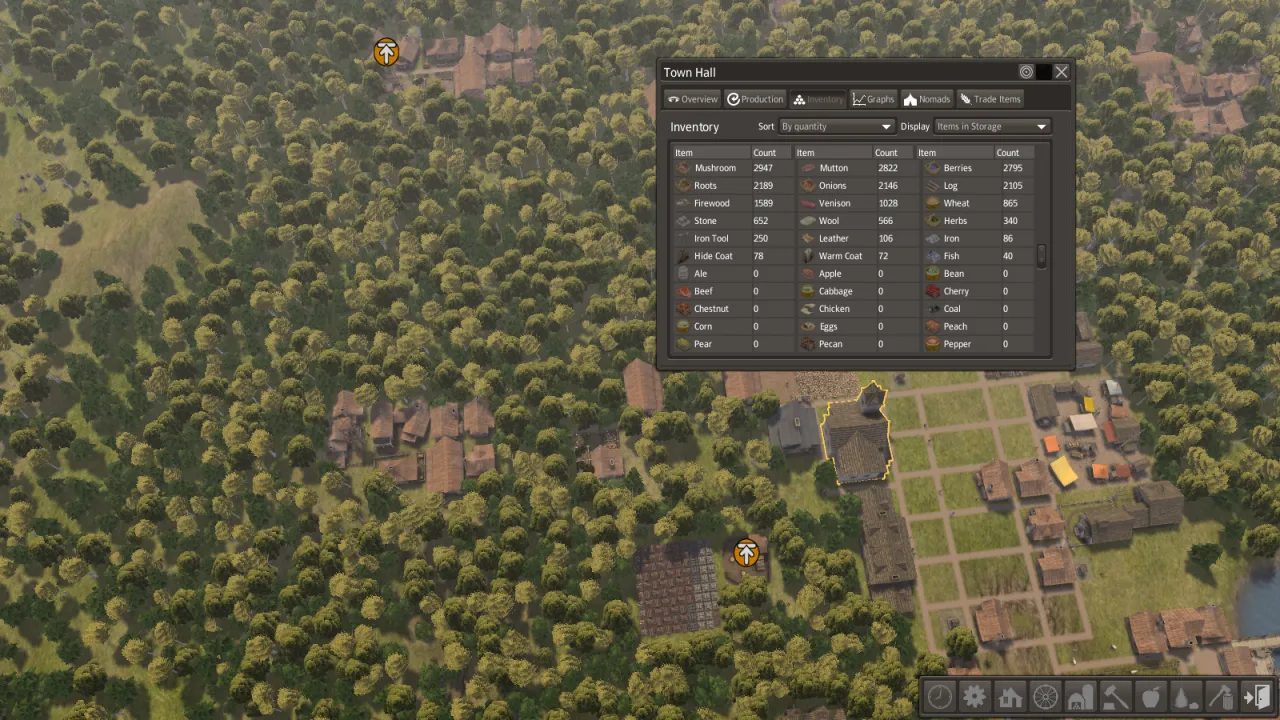
Choose buildings in the toolbar at the bottom right. Its buttons are, in order: time, reports, housing, transport, storage, services, food, resources, removal, and options. Click a building or a citizen to open its window. The Town Hall window shows your population, your stock and the production over time. The Professions window (in the reports menu) sets how many citizens do each job.
Citizens at work
Citizens walk between their homes, their work places, the storage and the market. They carry what they make to storage, and they take food, firewood and clothing home.
Close up, at twice the normal speed: a farmer harvesting a field and carrying the crop away, a labourer walking past the log and stone stockpile, and a vendor bringing goods to the market stalls.
A fisher stands at the end of the dock with a rod. The fish go to the dock's own store.
Trade
A trading post on a river brings a trader by boat. The trader rows in along the river, under the bridges, and docks at the post; then you can buy and sell. This video rides over the trader's shoulder:
The seasons
The year has twelve months: three each of spring, summer, autumn and winter. Crops grow from spring to autumn and must be harvested before the frost. Snow covers the town in winter. This video shows a town from autumn to the start of spring, at the highest game speed:
Animals
Chickens, cows and sheep live in pastures; deer live in the forest. The viewer shows each model and plays its animations. This is a chicken's walk:
Game speed and pause
Press Space to pause and resume. The toolbar's first button (time) has the pause, play, slower and faster buttons. The speeds are normal, 2×, 5× and 10×. Controls lists every key.
Save and load
The game saves automatically (Options → Game). To save by hand, press Esc and choose Save. Saves and settings explains where the files are.
The videos on this page were recorded by Un-Banished itself, without a window. See Recording videos.